


Interactive Withdrawal Status & Delay Triage Matrix
Match your cashier status badge or symptom below. Use the layer filter buttons above the table to sort by checkpoint (Rollover & bonus, KYC verification, Payment ownership, Gateway & blockchain, or Round settlement).
| Withdrawal Symptom or Status Badge | Review Checkpoint Layer | Why the Payout Is Waiting or Locked | Diagnostic Action to Resolve |
|---|---|---|---|
| Total balance is positive, but Withdrawable Balance shows zero or less | Rollover & bonus | Funds are bound to an active promotion with unfinished wagering turnover | Open the Promotions menu, check the rollover progress bar, and complete valid turnover on eligible games |
| First withdrawal stays Pending with an account verification notice | KYC verification | Full KYC approval is mandatory before any first withdrawal can be paid | Upload the 3-document KYC packet following our KYC & Verification guide |
| Withdrawal request returned to wallet balance with a rejection note | Payment ownership | Recipient bank account holder name does not match the PLAYDASH profile or digits were mistyped | Verify your own first-party bank account number and exact legal name before submitting a fresh request |
| USDT payout request declined or routed back to fiat selection | Payment ownership | Closed-loop AML policy restricts crypto payouts to profiles that previously deposited via crypto | Request your withdrawal through your verified fiat payment channel as explained in Cashier & USDT Rules |
| Cashier shows Approved / Processing, but funds have not arrived in bank or wallet | Gateway & blockchain |
External bank clearing cycle or on-chain block confirmations on TRC-20 / ERC-20 are still completing
|
Check the blockchain TXID or quote your cashier Transaction Reference to support if clearing exceeds normal windows
|
| Sportsbook parlay winnings or tournament prizes are not yet withdrawable | Round settlement | One or more legs in a parlay ticket or an active leaderboard window have not officially settled | Inspect Bet History; Parlay Boost and ticket returns credit only after every selection in the slip settles |
| High-value withdrawal takes longer in review than routine small payouts | KYC verification |
Enhanced Due Diligence (CDD / EDD) and studio game-round audit on large disbursements
| Keep the request active in queue and monitor account notifications for any supplemental document ticket |
The 4-Stage Withdrawal Lifecycle Inside the PLAYDASH Cashier
Submitting a payout request initiates a four-stage compliance and settlement pipeline. Knowing which stage your transaction occupies prevents unnecessary worry:
- Stage 1: Request Logged & Balance Ring-Fenced (Submitted / Pending) — The cashier assigns a unique Transaction Reference ID and ring-fences the requested amount from your playable balance so it cannot be accidentally wagered while awaiting transfer.
- Stage 2: Automated & Compliance Audit (In Review) — The system verifies three mandatory prerequisites: (a) full KYC verification status is approved, (b) all active promotion wagering requirements are 100% satisfied, and (c) the destination account satisfies first-party ownership and closed-loop AML rules.
- Stage 3: Disbursed to Payment Gateway or Blockchain (Approved / Processing) — Once compliance clears the request, the payout instruction is transmitted to the local banking rail or broadcast to the
TRON (TRC-20)orEthereum (ERC-20)network. - Stage 4: Settled or Returned With Ticket Notice (Completed / Returned) — Funds arrive in your external account, or—if an error such as an unverified document or mistyped account number blocked transfer—the balance returns intact to your PLAYDASH wallet accompanied by an explanatory ticket.
Why you should never cancel and resubmit a pending withdrawal: Cancelling a request that is sitting in Stage 1 or Stage 2 forfeits your timestamped position in the review queue. Submitting a new request puts you at the end of the line and restarts the check from scratch.
Diagnosing Rollover Locks Across Thailand THB Promotions & Events
The most frequent reason a player sees a locked balance in the cashier is an unfinished wagering requirement on an active promotion. Across PLAYDASH Thailand and the casino and sportsbook lobbies, different reward types carry distinct rollover mechanics:
- Welcome Bonuses Pack (5 New-Account Options): Whether you activated
138x Slots Free Spins,100% Slots,100% Live Casino,100% Sport, or100% Sport Risk-Free Betwithin the post-registration countdown window, the qualifying deposit and bonus funds remain locked for withdrawal until the stated turnover multiplier completes on eligible titles. - Zero-Wagering (
0x) vs. Standard Rollover Rewards: Certain recurring Thailand rewards are published with0xwagering on the reward itself—specifically the 24-hour One Day, One Loot box (up to29 PD Coinsat0x), the Weekend Slam (2 Choose 1) reward (Free Spins or Sports Free Bet at0x), and Daily Rakeback (up to1%at0x). By contrast, deposit match cards and Daily Slots / Extra Free Spins Hunt (up to188x Free Spinsacross188 / 88 / 38tiers), Weekly / Perfect Attendance Day 7 (up toTHB 1,666), and Daily Rescue (up toTHB 1,000) follow their respective card terms. - Excluded Rounds in Slot Challenges & Fast Game Events: When participating in the Scatters Challenge (Triple Day Challenge) (ceiling up to
THB 5,999for landing 4–6 Scatters in a real-money spin on designated games like Sugar Rush 1000), note that Bonus Buy feature purchases and Demo Mode spins do not count toward challenge progression. For the Chicken Cross Road event on Chicken Road 2.0 (Inout), rewards track across four specific mechanics: Limited Time Free Rounds Dropping, Random Drops (up to50 Free Rounds), Wagering Bonus (10 Free Roundsat10.0denomination perTHB 50,000valid turnover), and the turnover Tournament (prize pool up toTHB 5,999). - Sportsbook Accumulator Settlement & Parlay Boost (3–20 Legs): A parlay slip qualifying for Parlay Boost (minimum odds
1.20per leg, boosting winnings from2%on 3 selections up to50%on 20 selections, subject to the2,000maximum accumulator odds cap) only credits your withdrawable balance after every single match in the parlay has officially settled.
First-Party Name Alignment & AML Compliance Checks on Payouts
Even after all promotional rollover reaches 100%, a withdrawal request will pause in Stage 2 if any compliance mismatch appears between your profile and your payout destination:
- Exact Legal Name Match: The recipient bank account holder name must match your registered PLAYDASH profile and your government ID card character for character. Payouts to third-party accounts (spouses, relatives, friends, or corporate entities) are strictly prohibited.
- Payment Channel Symmetry & Crypto AML Rules: As detailed in Cashier & USDT Rules, outbound
USDT (TRC-20 / ERC-20)withdrawals are restricted to accounts that have previously completed a cryptocurrency deposit. - Absence of Duplicate-Profile or Negative-Balance Flags: Your account must be free of unresolved duplicate-account links (shared IP, device, or payment instrument) and any negative balance caused by a recalculated sports settlement.
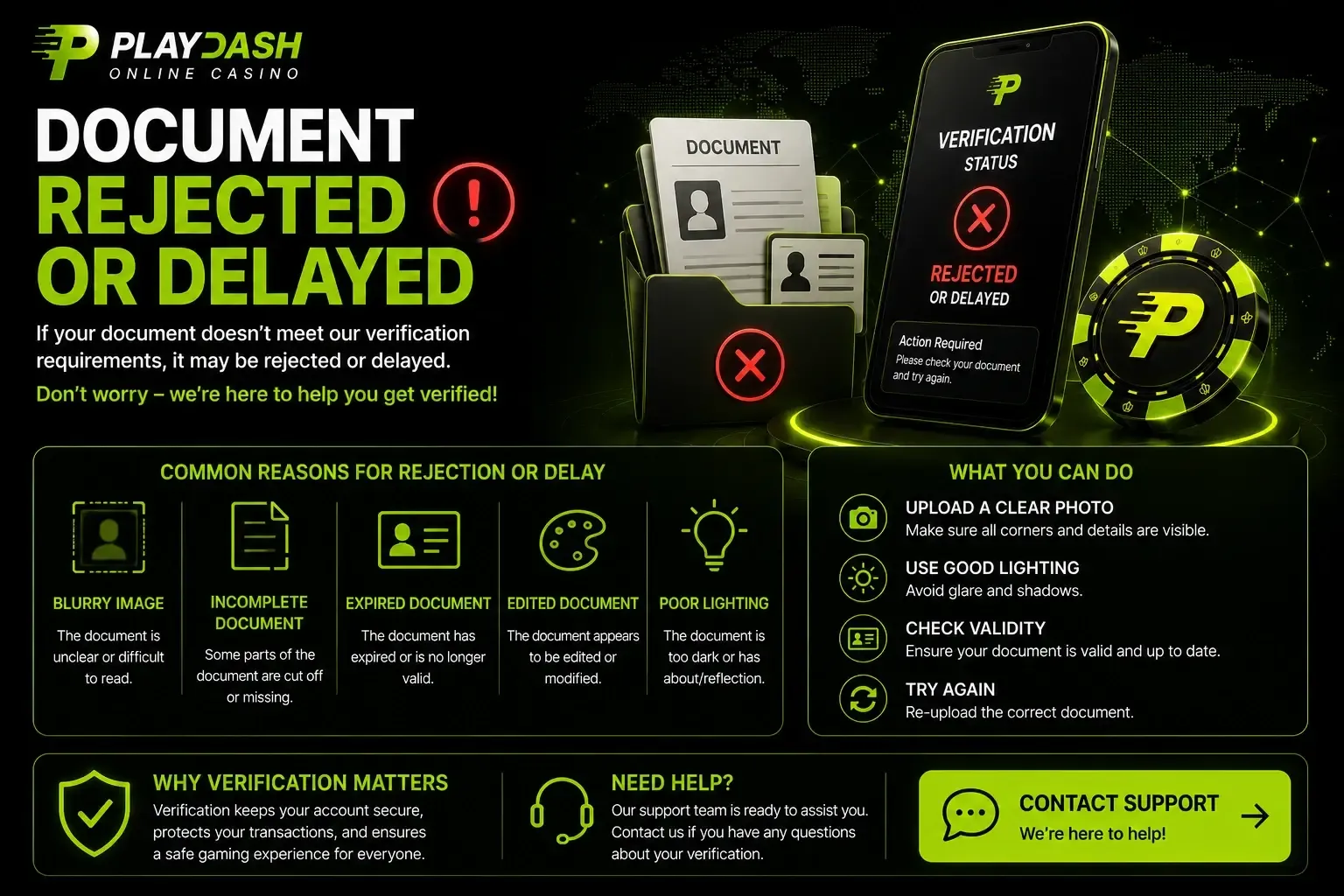
How to Prepare a Complete Transaction Reference Packet for Thailand Support
The official Thailand FAQ guidance states: "Review the status in your account and provide the transaction reference when contacting support." Messaging live chat or the Thailand LINE channel without your reference number forces the agent to search manually and delays resolution.
Include these 5 items in your very first support message:
- Registered Account Identifier: The exact phone number or email address linked to your PLAYDASH Thailand profile.
- Cashier Transaction Reference ID: Copy the exact alphanumeric reference code from your Cashier History row (plus the blockchain
TXIDif inquiring about aUSDT TRC-20 / ERC-20transfer). - Timestamp, Currency & Exact Amount: State the date, approximate time, and exact amount in Thai baht (
THB) orUSDT. - Verification Ticket ID (If Applicable): If your account notifications display a KYC or compliance Ticket ID, include that number so the agent can pull your verification record directly.
- Clean Screenshot of Cashier Status: Attach a screenshot showing the status row in your cashier history while ensuring no password, PIN, or OTP code appears anywhere in the image.

Dedicated VIP Manager Escalation (Tier 3+) & Ecosystem Portals
Under the quarterly Thailand VIP structure published on the PLAYDASH Thailand VIP portal, accounts reaching Tier 3 (THB 200,000+), Tier 4 (THB 400,000+), Tier 5 (THB 800,000+), Tier 6 (THB 1,500,000+ / 1.5 MIL), and Tier 7 (By Invitation) are assigned a Dedicated VIP Manager. VIP members at Tier 3 and above can coordinate directly with their manager when tracking high-value withdrawal reviews or periodic compliance updates.
Additional regional specifications are maintained across PLAYDASH Thailand, PLAYDASH Asia, and the official reference directory, while mobile browser and PWA home-screen setup instructions are hosted at playdash.app and playdashapp.com.
Frequently Asked Questions: Withdrawal Status & Reviews
What can delay a withdrawal?
The payment method, account verification and checks on the request can affect processing. Review the status in your account and provide the transaction reference when contacting support.
Why is part of my wallet balance shown as locked or non-withdrawable?
Funds attached to an active promotion remain locked until the required wagering (rollover) multiplier is completed in full on eligible game categories.
Does a Pending or In Review withdrawal badge mean my payout was refused?
No. Pending and In Review states indicate that the request is moving through the standard verification queue (KYC check, wagering audit, or payment gateway settlement).
Should I cancel a pending withdrawal and submit it again to speed it up?
Never. Cancelling and resubmitting a payout deletes your place in the compliance queue and places the new request at the very back of the line.
Can I contact PLAYDASH through LINE?
Use the Thailand LINE link on this page to reach the regional contact. The PLAYDASH portal also lists a Thailand support route for account questions.
Resolving Withdrawal Holds Without Losing Your Queue Position
Keep your withdrawal request intact in the queue, confirm that no open document request sits in KYC & Account Verification, verify that your payment route complies with Cashier & USDT Rules, and provide your exact Transaction Reference ID via the channels listed on our Contact page.