


Interactive Account Restriction & Verification Triage Matrix
When your profile displays a notice or restricts an action after login, match the symptom in the matrix below. Use the layer filter buttons above the table to isolate Account verification, Payment ownership, Balance & settlement, Duplicate check, Security & jurisdiction, or Responsible play states.
| Restriction or Notice Displayed | Compliance Layer | Operational Cause | What Lifts It (and What Not to Do) |
|---|---|---|---|
| Withdrawal request held pending identity verification | Account verification | KYC is compulsory before any withdrawal can be paid out | Upload the complete 3-document KYC packet (do not open a new account) |
| Account limited after document upload with a Ticket ID | Account verification | Submitted image was blurred, cropped, expired, edited, or mismatched in name | Read the ticket explanation and upload a fresh, unedited photo (do not re-upload the rejected file) |
| Request for proof of payment method ownership | Payment ownership |
AML check (SDD / CDD / EDD) confirming no third-party bank account was used
| Provide a bank statement or account page showing your exact registered full name |
| Normal gameplay paused with a negative wallet balance | Balance & settlement | A sportsbook or game round settlement was recalculated after funds were spent | Deposit the shortfall amount to bring the balance back to zero (password resets have no effect) |
| Promotional eligibility or bonus cards revoked | Duplicate check | Matching IP address, device fingerprint, or payment account linked to another profile | Contact support to explain shared-household circumstances (never create additional accounts) |
| Protective lock after unfamiliar login or restricted region hit | Security & jurisdiction | Suspected credential compromise or connection from an excluded jurisdiction | Complete support security verification, disable VPN proxies, and reset your password |
| Account remains closed during a requested break | Responsible play | Active cooling-off period or voluntary self-exclusion in effect | Wait until the designated period expires under Responsible Gambling rules |
When KYC Verification Is Mandatory & AML Regulatory Context
PLAYDASH operates under offshore licence ALSI-202410062-FI2 issued by the Government of the Autonomous Island of Anjouan. Under this regulatory framework, the operator applies tiered anti-money-laundering and counter-terrorist-financing procedures—SDD / CDD / EDD (Simplified, Customer, and Enhanced Due Diligence)—to confirm that every account holder is at least 18+, resides outside prohibited territories, and transacts solely with first-party funds.
Across PLAYDASH Thailand reference documentation, full KYC verification is triggered by three events:
- Requesting a withdrawal: While you can register, fund your wallet, and play without uploading documents beforehand, KYC approval becomes compulsory before any withdrawal can be processed.
- Cumulative lifetime deposits crossing the regulatory threshold: When total deposits on an account exceed the equivalent of
EUR 10,000, formal document verification is triggered automatically. - Security, AML, or jurisdiction flags: Unusual transaction velocity, mismatched payment details, or access signals near excluded territories (England, Scotland, Wales, Northern Ireland, Russia, India, and the United States) prompt an immediate compliance check.
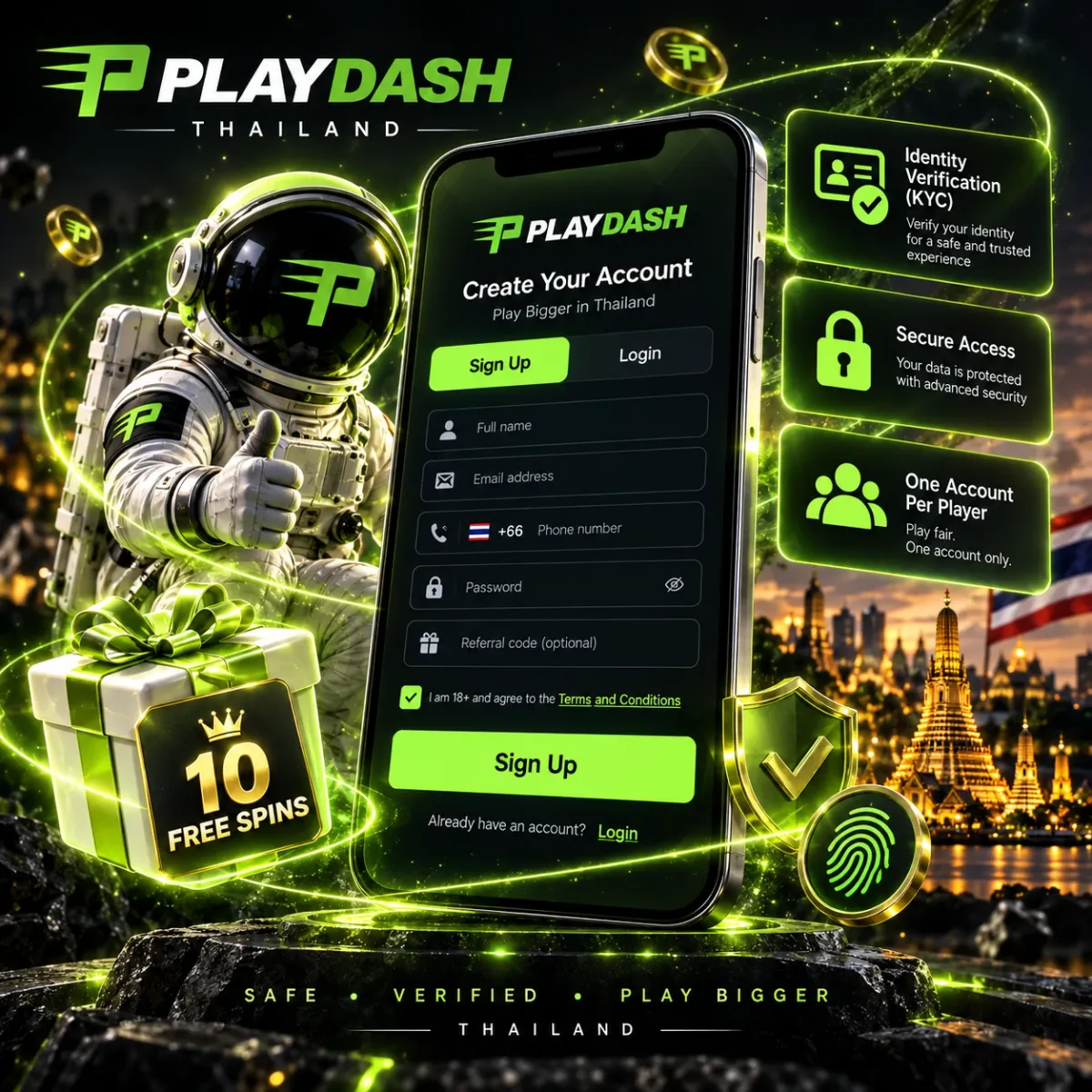
Proactive verification is always the fastest route: completing your document upload early prevents waiting when you submit your first withdrawal, and fulfilling the platform's Verification Quest conditions records 10 Free Spins on qualifying profiles.
Technical Specifications for the 3-Document KYC Packet
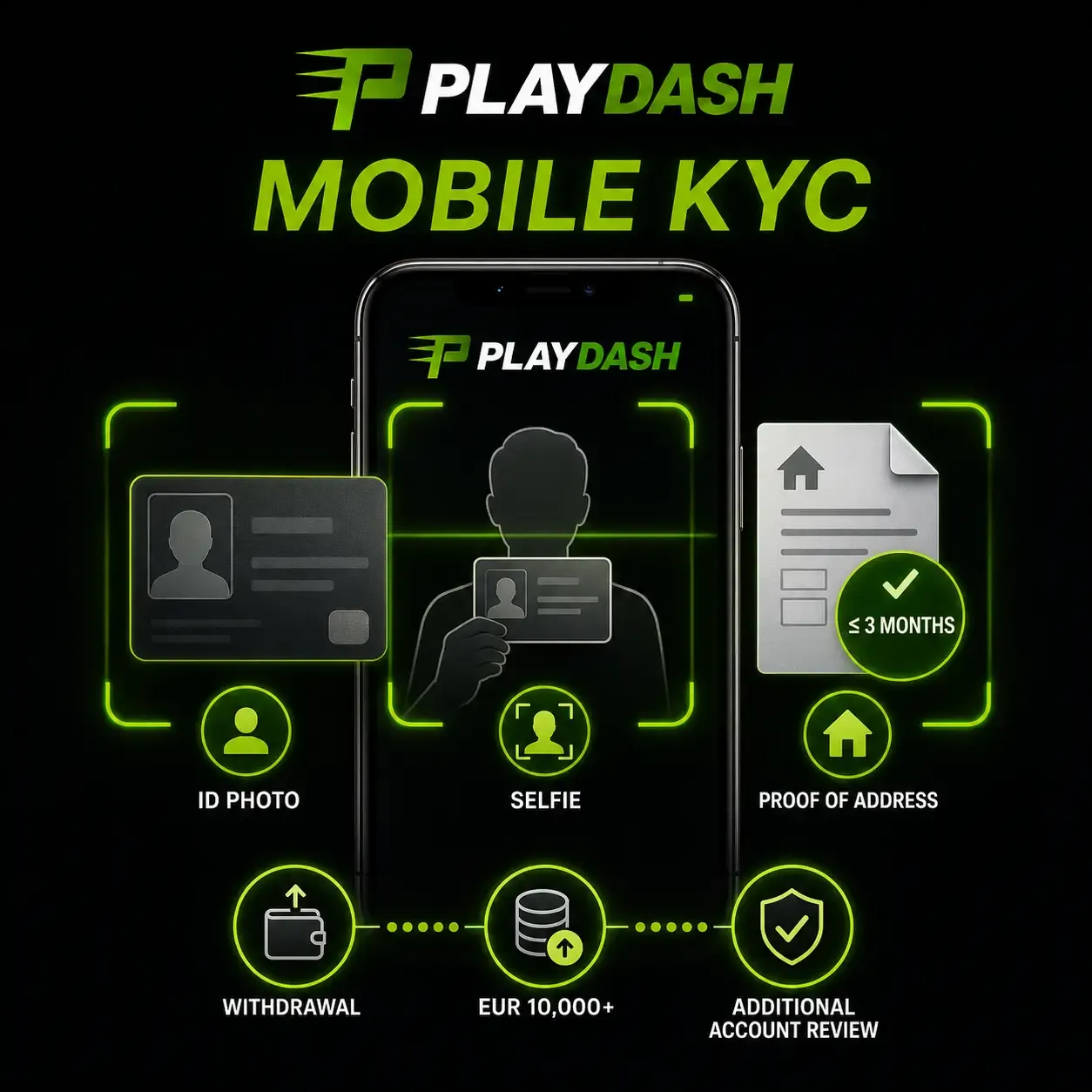
Compliance reviewers check that the legal name on your government ID, the name on your proof of address, and the account holder name on your cashier payment method match your PLAYDASH registration profile exactly. Review the specifications below before capturing your files:
| Required Document | What Reviewers Verify | Acceptance Criteria | Frequent Rejection Cause |
|---|---|---|---|
| 1. Valid Government-Issued Photo ID | Full legal name, date of birth (18+ verification), document number, and validity | Unexpired original card; all 4 corners visible; crisp text and photograph | Expired card, overhead lamp glare obscuring the birth date, cropped edges, or motion blur |
| 2. Selfie Holding the Same Photo ID | Live liveness match confirming the person submitting the ID is its rightful owner | Unobstructed face and the ID card held beside the face with readable card details | Camera focuses on face while the ID card blurs, fingers covering the ID name, or holding a different document |
| 3. Bank Statement or Utility Bill (Within 3 Months) | Current residential address and regional eligibility | Issued within the last 3 months; displays full name, residential address, and issue date | Statement older than 3 months, utility bill in a landlord or relative's name, or cropped header |
| 4. Payment Ownership Proof (When Requested) | First-party ownership of the bank account or funding channel used in the cashier | Shows account holder name and account number matching cashier history | Depositing or withdrawing via a third-party account belonging to another person |
5 Smartphone Capture Rules to Get Documents Approved the First Time
Most returned KYC submissions fail on basic photographic legibility rather than compliance disputes. You do not need a desktop scanner or a separate mobile app; a standard smartphone camera passes review first time when you follow these five rules:
- Place the document flat on a dark, contrasting surface: Laying your ID card or statement on a dark table keeps your camera steady and makes all four outer edges unmistakably visible. Never crop any corner of the frame.
- Use indirect daylight or diffused room lighting (turn flash off): Plastic-laminated ID cards reflect camera flash into a bright white hotspot that erases your name or photo. Shoot in a well-lit room and tilt the phone slightly to eliminate ceiling-lamp reflections and hand shadows.
- Keep your face and the ID card on the same focal plane for the selfie: Hold the ID card right beside your cheek or chin rather than pushing it close to the camera lens. Tap your screen to focus so both your face and the lettering on the card are sharp, and keep your fingers on the outer rim of the card away from any text.
- Never apply beauty filters, image edits, or screenshots of screenshots: Compliance software flags altered EXIF metadata, color filters, cropped watermarks, or photos taken of another digital monitor. Upload the original camera image file directly.
- Submit exclusively through the official account portal or verified support: Upload your files inside the authenticated PLAYDASH verification menu or via official channels listed on our Contact guide. Never send identity documents to unsolicited social-media accounts.
The 3 Post-Upload Outcomes & How to Use Your Verification Ticket ID
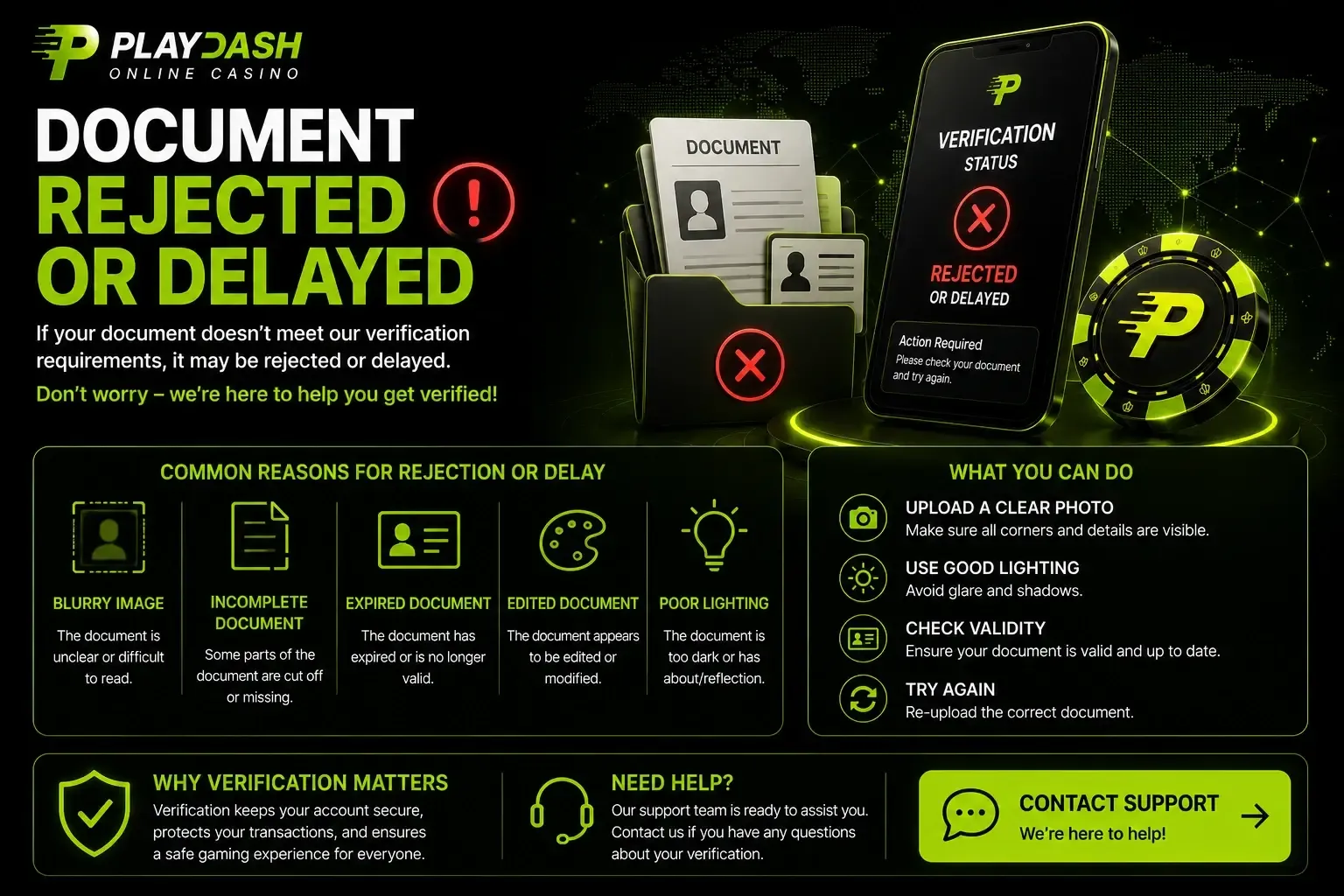
Once your files are uploaded, the compliance queue produces one of three deterministic states:
- Outcome 1: Verified & Approved — Your KYC status turns active, any withdrawal waiting on verification moves into cashier settlement, Verification Quest eligibility is recorded, and tier benefits across the Thailand VIP matrix unlock normally.
- Outcome 2: Returned With a Ticket Number & Written Reason — If a file cannot be verified, PLAYDASH generates a specific Ticket ID explaining exactly what must be corrected (for example, "Address proof dated more than 3 months ago" or "ID text blurred in selfie"). Capture a new photo addressing that exact note and re-upload; normal access resumes as soon as the corrected file is accepted.
- Outcome 3: Periodic or Trigger-Based Re-Verification — Even after initial approval, adding a new payment route, crossing higher cumulative deposit thresholds, or reaching document expiry can prompt an updated document check later in the account lifecycle.
Always save your Ticket ID: When following up via live chat or the Thailand LINE support route, quoting your Ticket ID allows the support specialist to open your compliance file immediately without repeating basic triage questions.
Account Restriction vs. Cashier Withdrawal Review: Knowing the Difference
It is vital to distinguish an account-level restriction from a transaction-level cashier review. If your payout request shows Pending or In Review while you can still sign in, browse slots, live dealer tables, and sportsbook markets, and access regional portals or reference directories, your account itself is not blocked.
Instead, the individual withdrawal request is being checked against promotion rollover requirements, payment provider queues, or blockchain confirmations. You can diagnose transaction-specific holds in our Withdrawal Status & Reviews guide, or configure stable mobile browser access via playdash.app and playdashapp.com.
Frequently Asked Questions: KYC & Account Verification
Do I have to upload KYC documents before depositing or playing?
No. Registration, initial deposits, and gameplay do not require document upload upfront. Full KYC verification becomes compulsory before your first withdrawal is paid, when lifetime deposits exceed the equivalent of EUR 10,000, or during a security review.
Which three documents make up the standard PLAYDASH KYC packet?
You need (1) a valid government-issued photo ID, (2) a clear selfie holding that exact ID card, and (3) a bank statement or utility bill issued within the last three months showing your name and address.
Why were my uploaded documents returned with a ticket number?
Most returned files fail on image quality rather than identity: glare covering text, blurred focus on the selfie ID card, cropped document corners, expired dates, or a name mismatch against your registered profile.
Can I open a new account if my current account is waiting for KYC approval?
Never. Opening a second profile violates the strict one-account rule, flags both accounts as duplicates, and removes bonus eligibility. Always submit corrected documents on your original profile.
What is the Verification Quest reward?
Under published platform terms, completing account verification requirements under the Verification Quest records 10 Free Spins on eligible accounts.
Resolving Verification Cleanly on Your Original Account
Every verification requirement is solved on your original account with clear, unedited documents whose name matches your payment instrument in Cashier & USDT Rules. If you cannot reach the upload screen due to a sign-in or browser fault, consult Login & Session Help or return to the Account Diagnostics overview.