


Interactive Login & Session Symptom Matrix
Match the exact behavior on your screen to the responsible subsystem below. You can filter the matrix by technical layer (Page or browser, Credentials, Account contact, Account state, or Security) to isolate the required corrective step.
| Observed Symptom | Responsible Layer | Underlying Mechanism | Primary Resolution |
|---|---|---|---|
| Sign-in screen stays blank, loops on a spinner, or the login button does not respond | Page or browser | Cached script conflict, blocked first-party cookies, or restricted in-app chat WebView | Open the official URL directly in Chrome or Safari, enable cookies, clear cache, and reload |
| Credentials rejected even though you believe the password is correct | Credentials | Case-sensitivity mismatch, active Thai/English keyboard toggle, trailing space, or stale autofill entry | Clear both fields completely, type manually, and use the reveal-password eye icon to verify every character |
| One-time verification code (OTP) or reset message does not arrive | Account contact | Email routed to Spam/Promotions, carrier SMS delay, or typing a contact that differs from sign-up | Check Junk/Spam folders, wait 2–3 minutes before requesting once more, or contact Thailand support |
| You no longer control the phone number or email used at registration | Account contact | Automated recovery sends verification tokens exclusively to the contact stored on the profile | Do not open a new account; contact support to verify identity and update the registered contact |
| Session logs out repeatedly when switching apps on a smartphone | Page or browser | Private/Incognito mode discarding session cookies or aggressive OS battery saver killing background tabs | Use a standard browser window (not Private mode) and close heavy background tabs |
| Login succeeds, but a banner states the account is restricted or balance is negative | Account state | Pending KYC document ticket or a recalculated sports bet that left the wallet balance below zero | Read the account ticket and follow our KYC & Account Verification guide |
| Unrecognised login timestamp, unfamiliar wager, or unexpected cashier request | Security | Disclosed credentials, shared unlocked device, or phishing link exposure | Change password immediately and alert support to terminate active sessions and secure the contact |
How PLAYDASH Authentication Works & Common Input Pitfalls
A PLAYDASH profile uses the exact same authentication pair across desktop and mobile browsers: the phone number or email address confirmed at registration and your account password. There is no separate username field, and signing in on a different device opens the exact same wallet balance, bet history, cashier limits, and VIP tier progress.
4 Pre-Reset Checks That Resolve Most Rejected Logins
- Confirm whether you registered with a phone number or an email: Many players use both in daily life but only bound one during initial sign-up. If entering your email returns a not-found or invalid error, test your registered mobile number (checking leading zeros or country prefix formatting).
- Inspect keyboard language and capitalization: Passwords are strictly case-sensitive. Mobile keyboards frequently capitalize the first letter automatically, while desktop keyboards may have Caps Lock or a secondary language layout active. Tap the password visibility toggle before submitting to confirm what was actually entered.
- Override stale browser autofill and trailing spaces: Pasting an email address or password often appends an invisible trailing space that causes validation to fail. Furthermore, if you recently changed your password on a phone, your desktop browser's password manager may silently overwrite the field with your old password. Delete the autofilled dots completely and type the credential fresh.
- Refresh stale login tabs: Leaving a login screen open in a background mobile tab for hours allows the form's security token to expire. Reload the page once before signing in.
Password Recovery & Updating a Lost Phone Number or Email
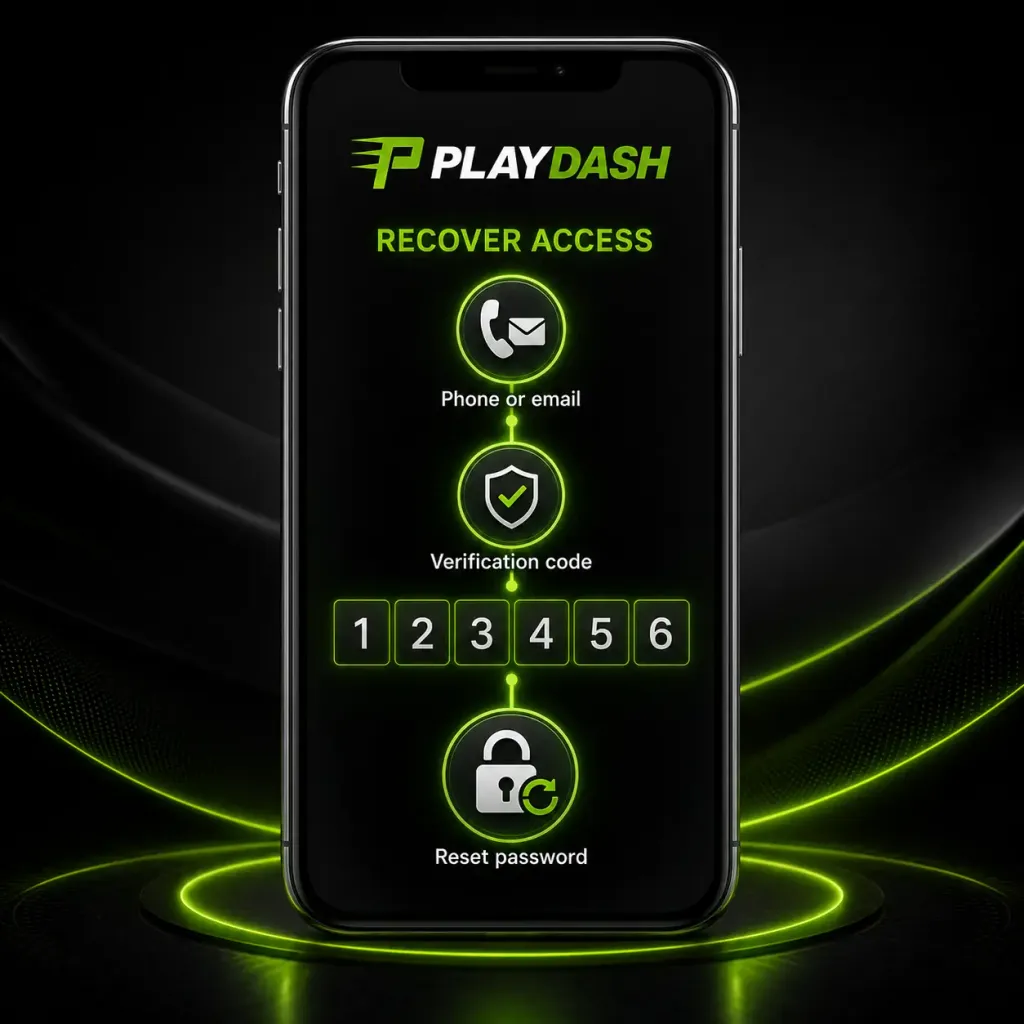
If manual entry still fails after checking capitalization and autofill, stop guessing. Repeated failed attempts can trigger temporary brute-force rate limiting. Use the structured recovery workflow instead:
- Trigger self-service recovery on the official login form: Select the password recovery option and enter the exact phone number or email address linked to your PLAYDASH account.
- Retrieve the verification code or reset link: Check your SMS inbox or email folders (including Spam, Junk, and Promotions) and submit the code before its expiration window closes.
- Set a strong, unique password: Choose a new password not shared with your email or social media accounts, and update your browser password manager immediately.
- Escalate to support if the registered contact is lost: If you changed your mobile SIM card, lost your phone, or no longer have access to the registered email inbox, self-service recovery cannot reach you. Contact PLAYDASH customer support directly to request an official contact-detail update.
When assisting with a lost phone or email, support will verify your ownership of the account using your profile details, prior deposit records, or identity documents. Recovering the original profile preserves your funds, transaction logs, and quarterly standing in the Thailand VIP program while keeping you compliant with the one-account rule.
Mobile Browser Configuration, PWA / iOS WebClip Launchers & APK Safety
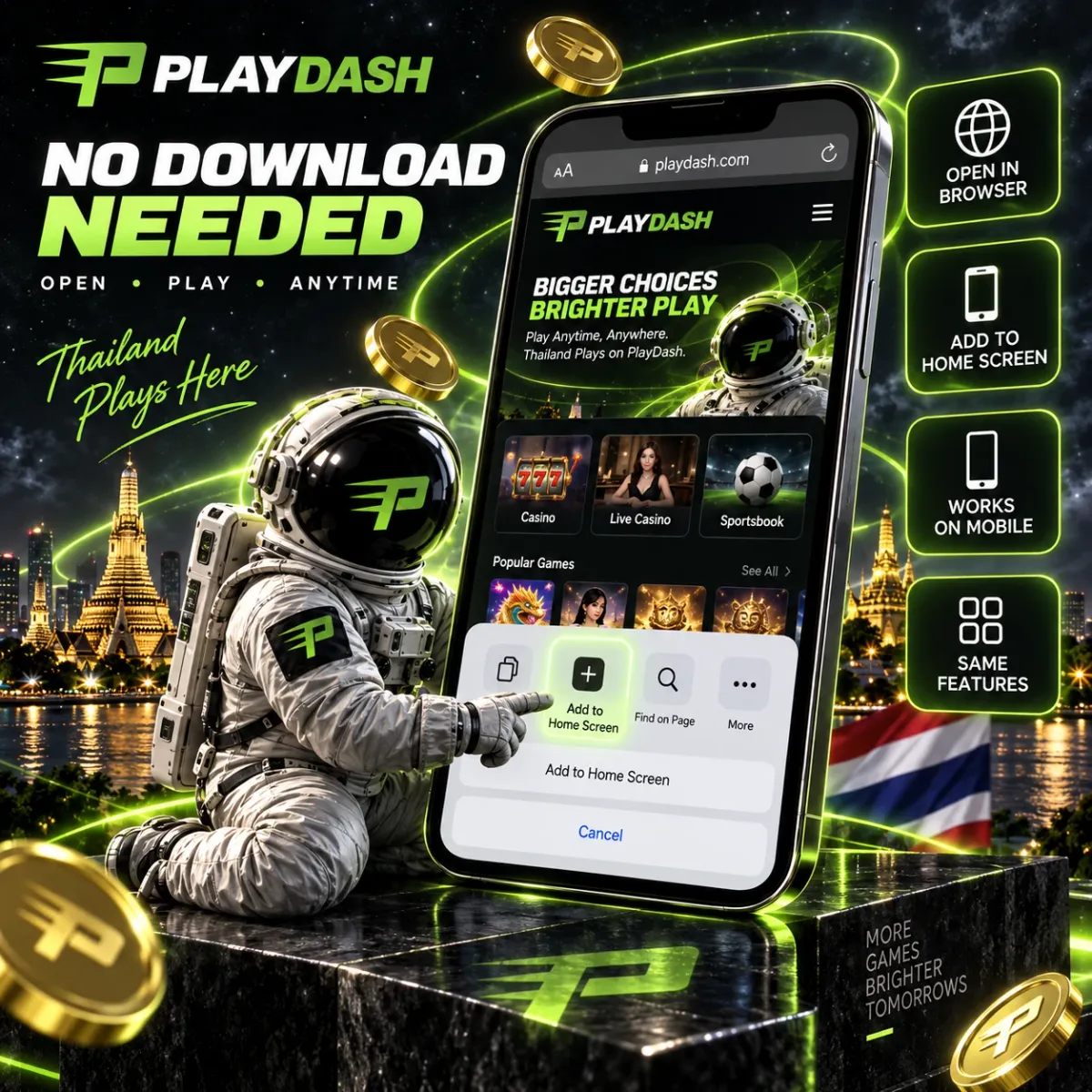
Players in Thailand do not need to install a native store app to use PLAYDASH. The platform is engineered for modern mobile browsers—specifically Chrome on Android and Safari on iOS—delivering full access to games, promotions, and the THB and USDT cashier.
For one-tap home-screen convenience, PLAYDASH provides official browser/PWA and iOS WebClip launcher options tailored for Thailand, documented on playdash.app and playdashapp.com. Adding a PWA or WebClip shortcut places an icon on your phone's home screen that launches the official site inside your main browser engine without address-bar clutter, avoiding the stability problems common to in-app social media WebViews.
Why third-party APK files must be avoided: Do not download unofficial APK installers circulating on third-party websites or messaging groups. An external APK using the PLAYDASH logo is not verified to connect to the official account infrastructure and can contain credential-harvesting overlays. Stick exclusively to a current browser over 256-bit SSL or the official home-screen launcher guide.
Diagnosing Mid-Round Session Drops Across Slots, Live Casino, Fast Games & Sportsbook
Mobile networks occasionally drop packets when switching between Wi-Fi and cellular data or when an incoming phone call interrupts the browser. Knowing how server-side settlement works across the four PLAYDASH game families prevents duplicate wagers:
- Slots (38 Studios including Pragmatic Play, KA Gaming, Spinomenal, Playtech, Hacksaw, Yggdrasil, VoltEnt): Every real-money spin outcome is determined on the studio server the instant the stake is accepted. If your screen freezes mid-spin, any resulting payout is credited to your balance automatically, or reloading the title resumes the unfinished feature round from the exact state stored on the server.
- Live Casino (12 Studios including Evolution, Pragmatic Play Live, Playtech, Asia Gaming, Creedroomz, Ezugi): Live dealer tables (Baccarat, Roulette, Blackjack, Dragon Tiger, Sic Bo, Game Shows) operate on strict countdown betting windows. If your chip placement was confirmed by the server before the betting window closed, the wager stands and settles according to the physical table outcome even if your video stream drops. If the connection dropped before confirmation, no stake is deducted.
- Instant / Fast Games (Crash, Plinko, Mines, Arcade including Chicken Road 2.0 by Inout, Aviatrix, TVBet): Fast rounds resolve in seconds. If a connection drops during an active manual round where no auto-cashout threshold was set, the server resolves the round under the game's standard rules. Ensure a stable connection before starting high-tempo sessions or participating in Chicken Cross Road wagering events.
- Sportsbook (12 Sports & Esports Categories): Single bets and parlays are valid only once a ticket reference appears in your Bet History. If the browser stalls right after tapping place bet, never tap submit repeatedly; refresh and inspect your Bet History first.
Responding to Unfamiliar Session Activity & Protecting Credentials
Under PLAYDASH account terms, actions authenticated with the correct login credentials and password may be treated as authorised by the account holder. Keeping your password and one-time codes strictly private is your primary line of defence.
If you ever notice an unfamiliar login notification, a bet you did not place, or a cashier request you did not initiate, execute this security sequence immediately:
- Exit any unverified link immediately: Confirm your browser address bar matches an official portal referenced across PLAYDASH Thailand, PLAYDASH Asia, and the official directory.
- Reset your PLAYDASH password and email password: Create a new unique password and secure the email account linked to your profile.
- Alert customer support to freeze and audit active sessions: Provide the timestamp and unfamiliar transaction details so security staff can revoke active tokens and update your registered contact if compromised.
- Never share passwords or OTP codes with anyone: Official PLAYDASH support and Thailand LINE representatives never ask for your password, PIN, or one-time verification code.
Frequently Asked Questions: Login & Session Stability
Does PLAYDASH use a separate username for login?
No. Authentication uses the registered phone number or email address paired with your password across both mobile and desktop browsers.
Should I register a new account if I forget my password or lose my phone?
Never. Registering a second account violates the one-account rule and triggers duplicate-profile restrictions. Always recover your original profile via password recovery or customer support.
Do I need to install an app?
You can use the Thailand site in a compatible mobile browser. Browser/PWA and iOS WebClip launcher options also include Thailand. Follow the linked setup instructions if you want a home-screen launcher.
What should I do if a slot spin or live table disconnects mid-round?
Do not repeat the wager immediately. Refresh your browser, sign back in, and inspect Bet History and your wallet balance first to see whether the server already settled the round.
Can I contact PLAYDASH through LINE?
Use the Thailand LINE link on this page to reach the regional contact. The PLAYDASH portal also lists a Thailand support route for account questions.
Next Steps After Restoring Session Access
Once you are signed in cleanly on your original profile, continue to KYC & Account Verification if your account displays a document request or restriction ticket. To check Thai baht payment limits or USDT (TRC-20 / ERC-20) deposit rules, visit Cashier & USDT Rules. For pending payouts, consult Withdrawal Status & Reviews, or review self-control tools on the Responsible Gambling page.